Signature looks
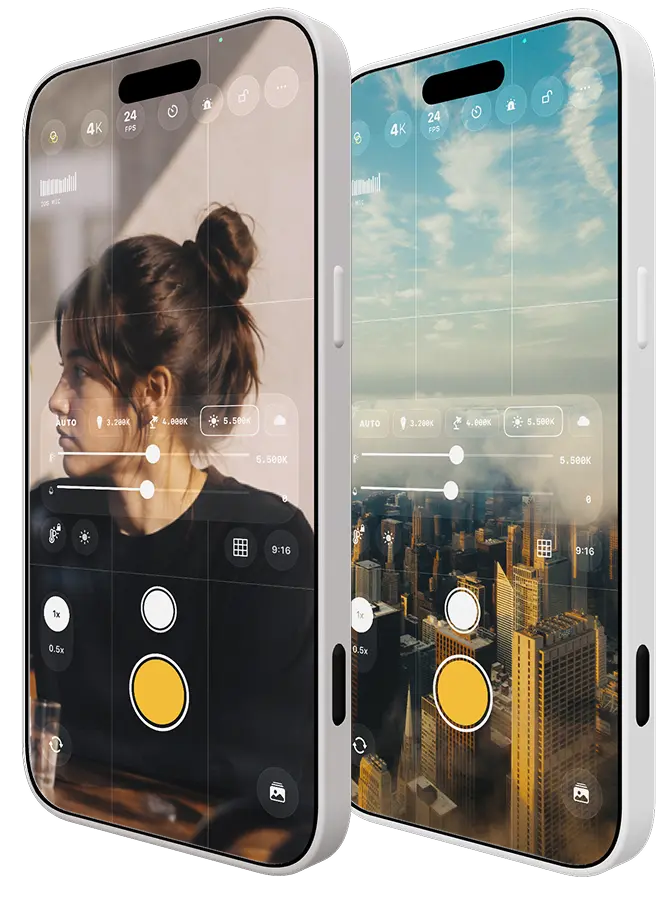
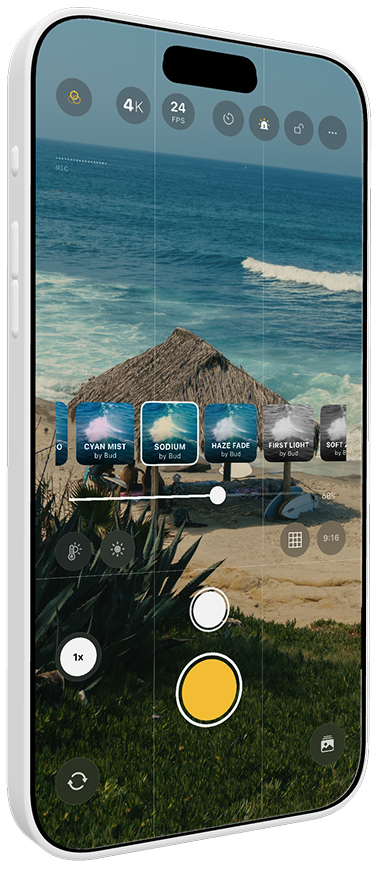
Cinema color right on screen. Use the built-in looks or load your own (.cube).

For people who take image seriously
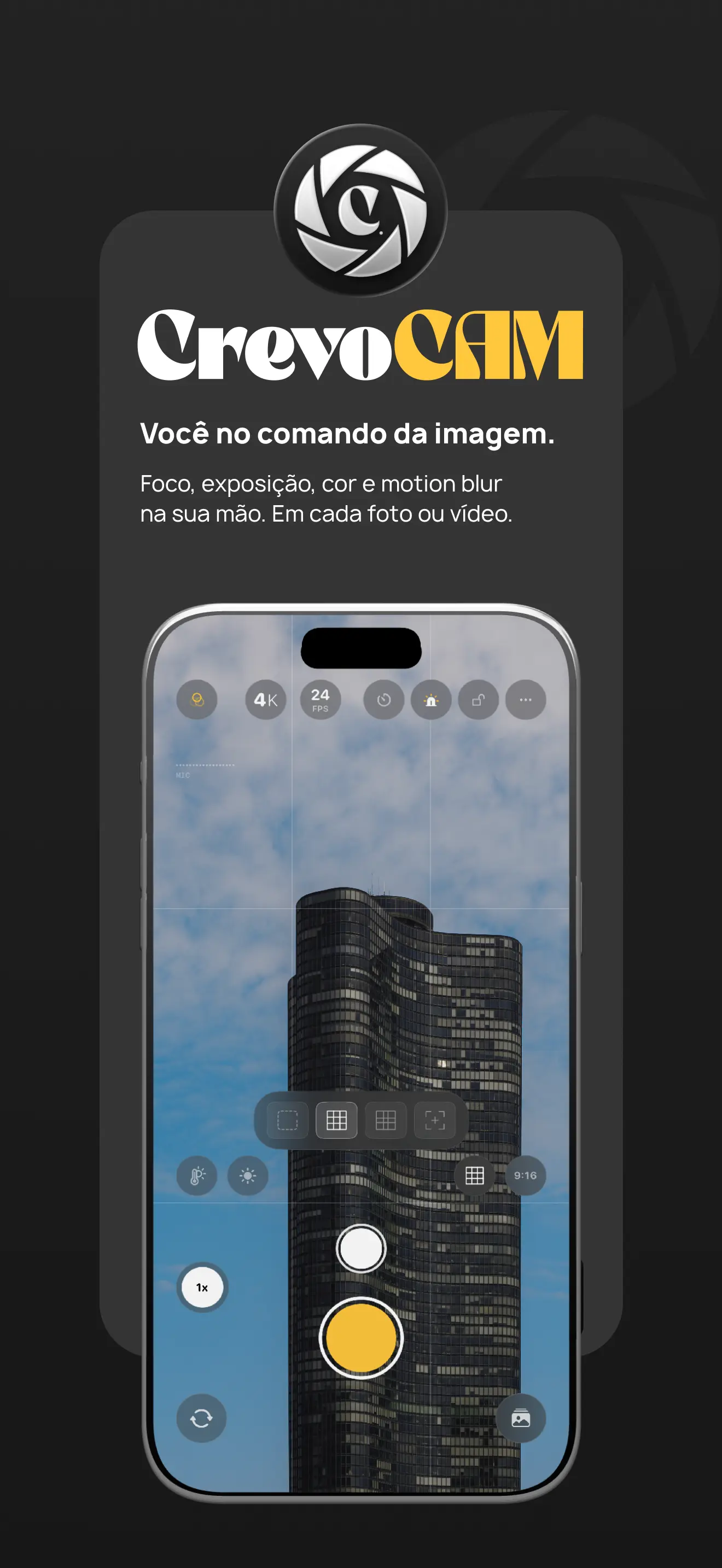
Cinema color live on screen, true manual controls and recording that understands light. From capture to final color, one app.
Free 7-day trial. Requires iPhone with iOS 17 or later.
Cinema color right on screen. Use the built-in looks or load your own (.cube).
The flash blinks while recording. Whoever is in front of the camera knows exactly when.
Up to 4K, from 24 to 60 fps. From cinema to slow motion, you choose.
Set the scene temperature. Warm, cool or neutral, in your hands.
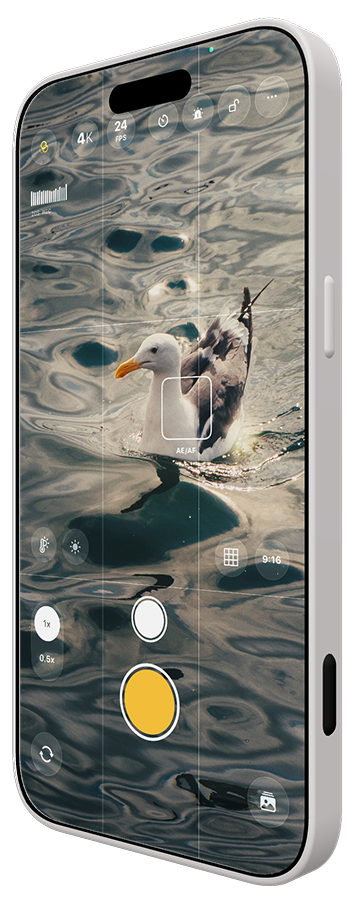
Tap to focus and expose, with lock. The camera obeys you.
Thirds, golden ratio and formats: 9:16, 4:5, 3:4 and cinematic 2.39:1.
Signature looks
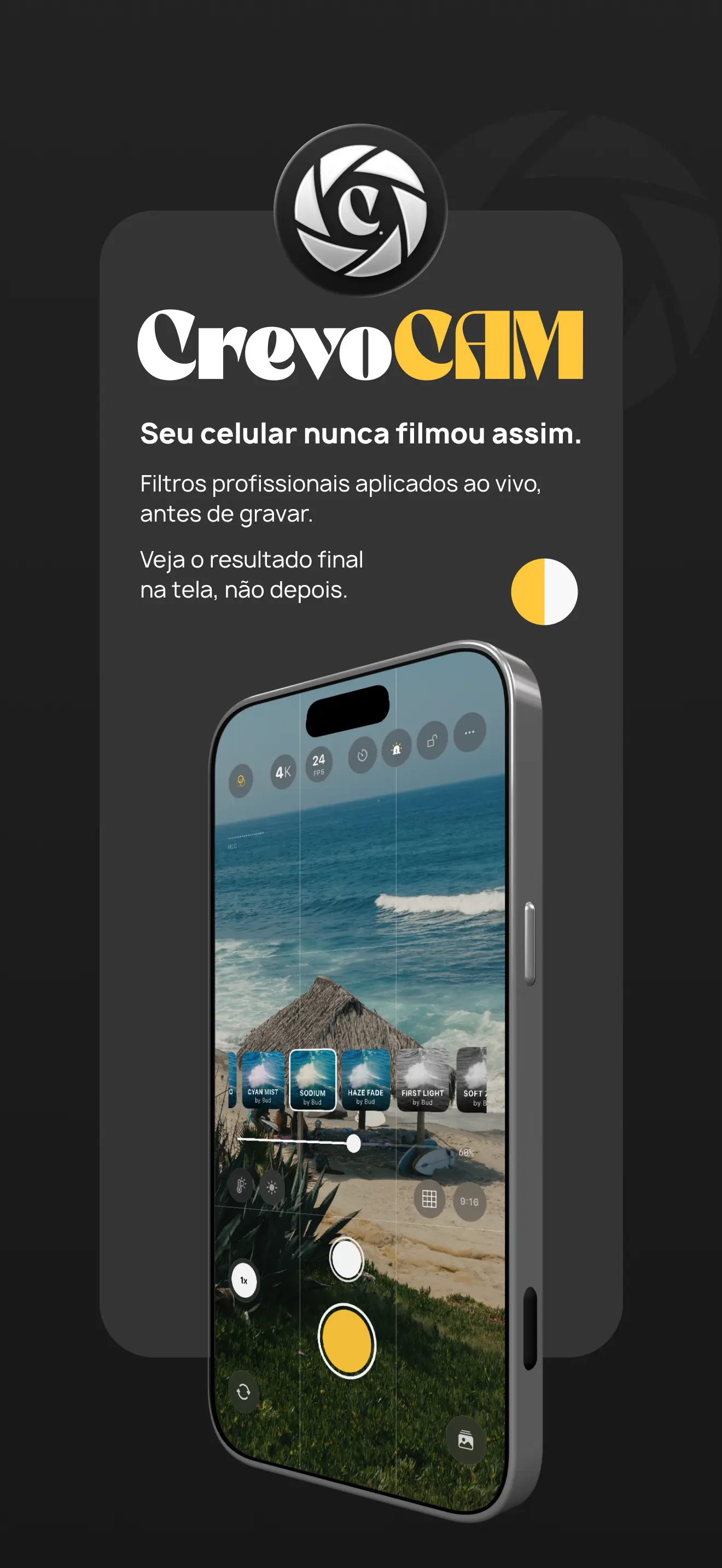
Apply professional filters while you film and see the final result before recording, not after. The LUTs are signed by Bud and born on real sets, not from generic preset packs. Bake the color into the clip or leave it for post. Your call.
7 looks included, plus support for your own .cube files.
A real camera
The same controls as cinema gear, on your iPhone screen. Swipe sideways.
Manual control
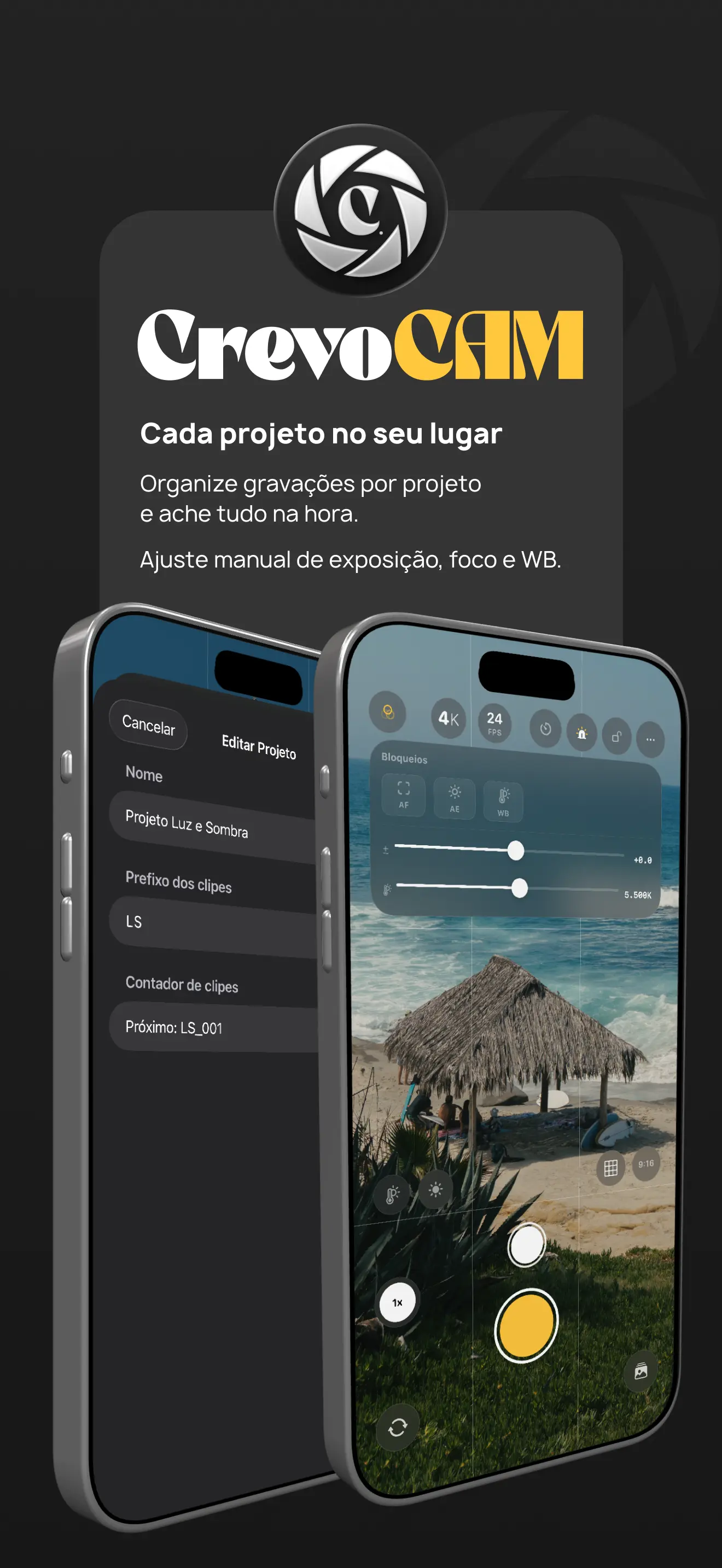
Focus, exposure and white balance in your hands. Lock what you want locked, adjust the rest. The camera obeys, it doesn't decide for you.
Lenses
Ultra wide, standard, telephoto. Use 0.5×, 1×, 2× and 5× depending on your iPhone, without losing your framing.
Long exposure
The sensor stays open for as long as you set. Cinematic motion blur in video and long exposure photos, with the result on screen before you shoot.
Framing
Grid, rule of thirds and golden ratio on screen. Pick the format: 9:16, 4:5 for social, 3:4 or cinematic 2.39:1.
Zebra
Stripes appear over areas that are too bright. Fix the exposure before recording, not in the edit.
Audio
An on-screen level meter shows both channels and warns when the audio clips. No surprises when you review.
Remote trigger
Start and stop with the iPhone volume button or a wireless remote. Perfect for shooting alone, without touching the screen.
Tally light
The flash blinks while recording with the rear camera. Whoever is in front of the camera knows exactly when, without checking the screen.
Projects
Create projects with their own name and clip prefix. Numbering is automatic and you find everything later, no digging through the camera roll.
Behind the app
The colors didn't come from a preset bank. They were designed from real sets and calibrated so the iPhone camera responds the way a cinema camera does. The app delivers at capture what usually only shows up later, in post. Fewer editing steps, with the standards of someone who lives off images.
Total privacy
Everything happens on your iPhone. Nothing leaves the device unless you send it.
Plans
Download and use it for 7 days without paying. Then pick a plan.
Monthly
$1.99/mo
7-day free trial
Yearly
$11.99/yr
save 50%
6 months
$7.99/6 mo
save 33%
The 7 free days apply to the monthly plan. Cancel anytime, right in the App Store.
Seven days free to try everything, no strings attached.
Available for iPhone with iOS 17 or later.